> ## Documentation Index
> Fetch the complete documentation index at: https://docs.bugbybug.com/llms.txt
> Use this file to discover all available pages before exploring further.
# Getting your API Key
> Learn how to get API key for BugByBug SDKs
### Step 1: Create an Organization
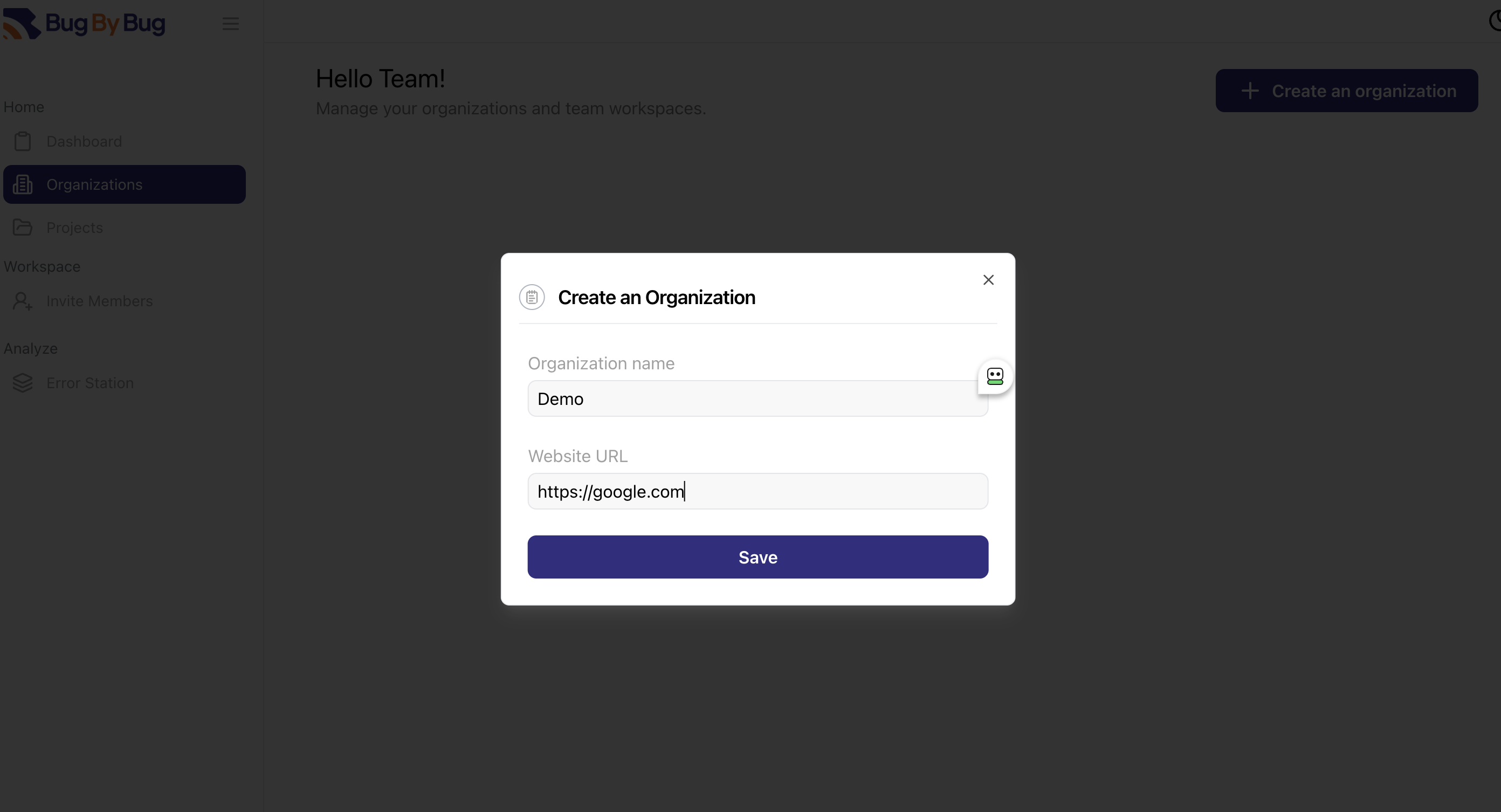
Click the *Organizations* on the sidebar and then select *Create an organization*.
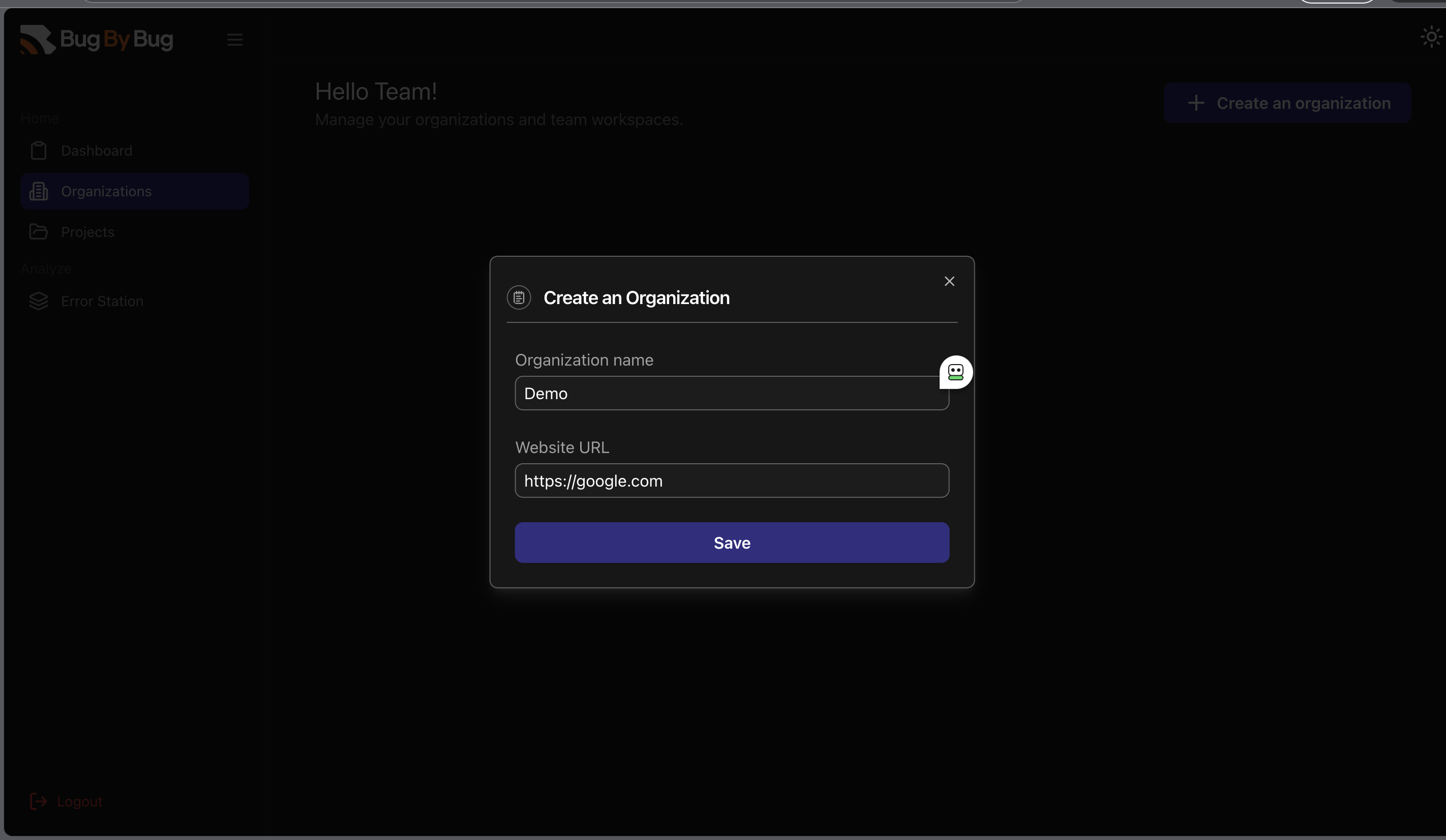
You should be prompted to add a name and website URL and then click *Save* to save your changes.
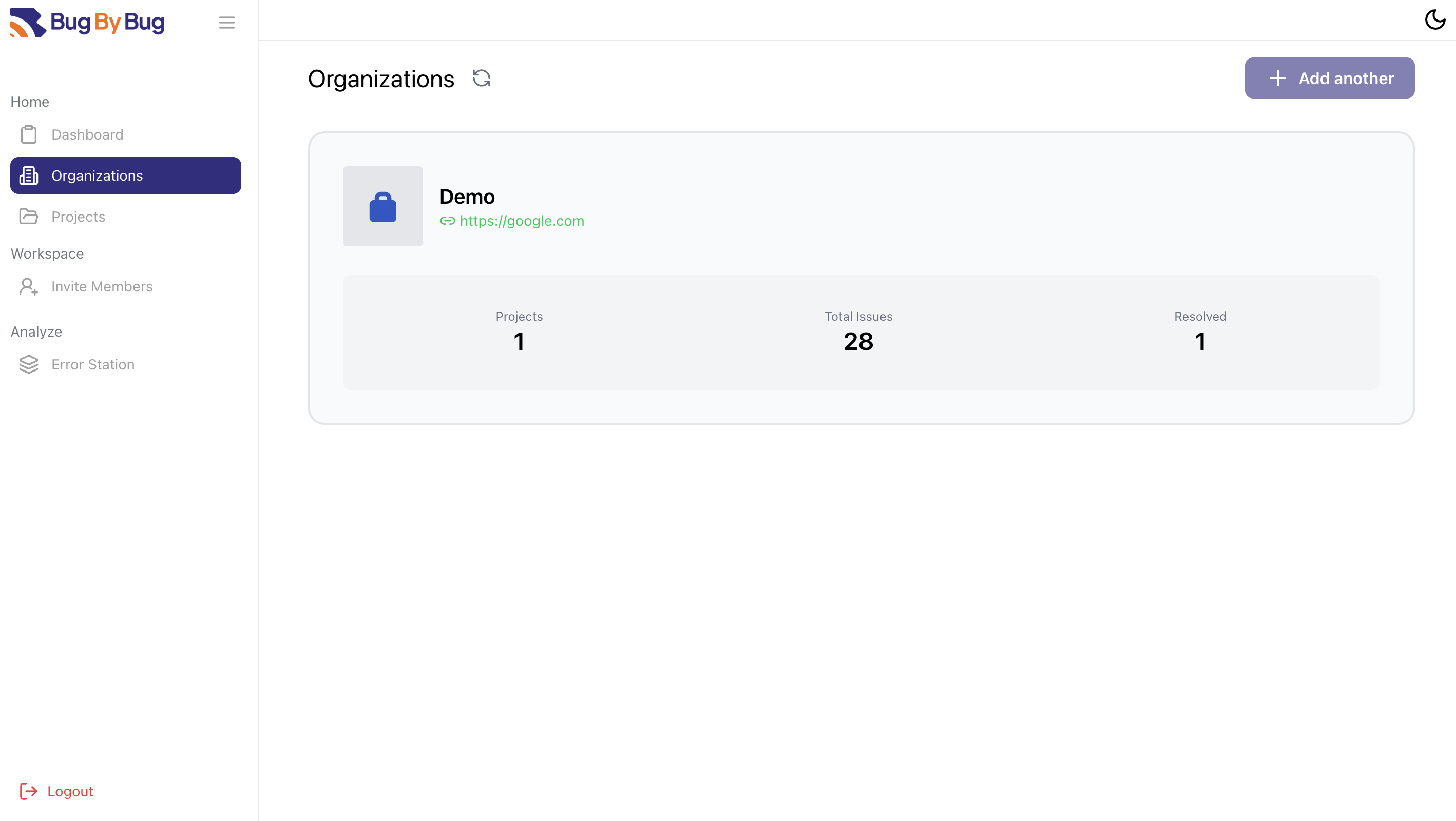
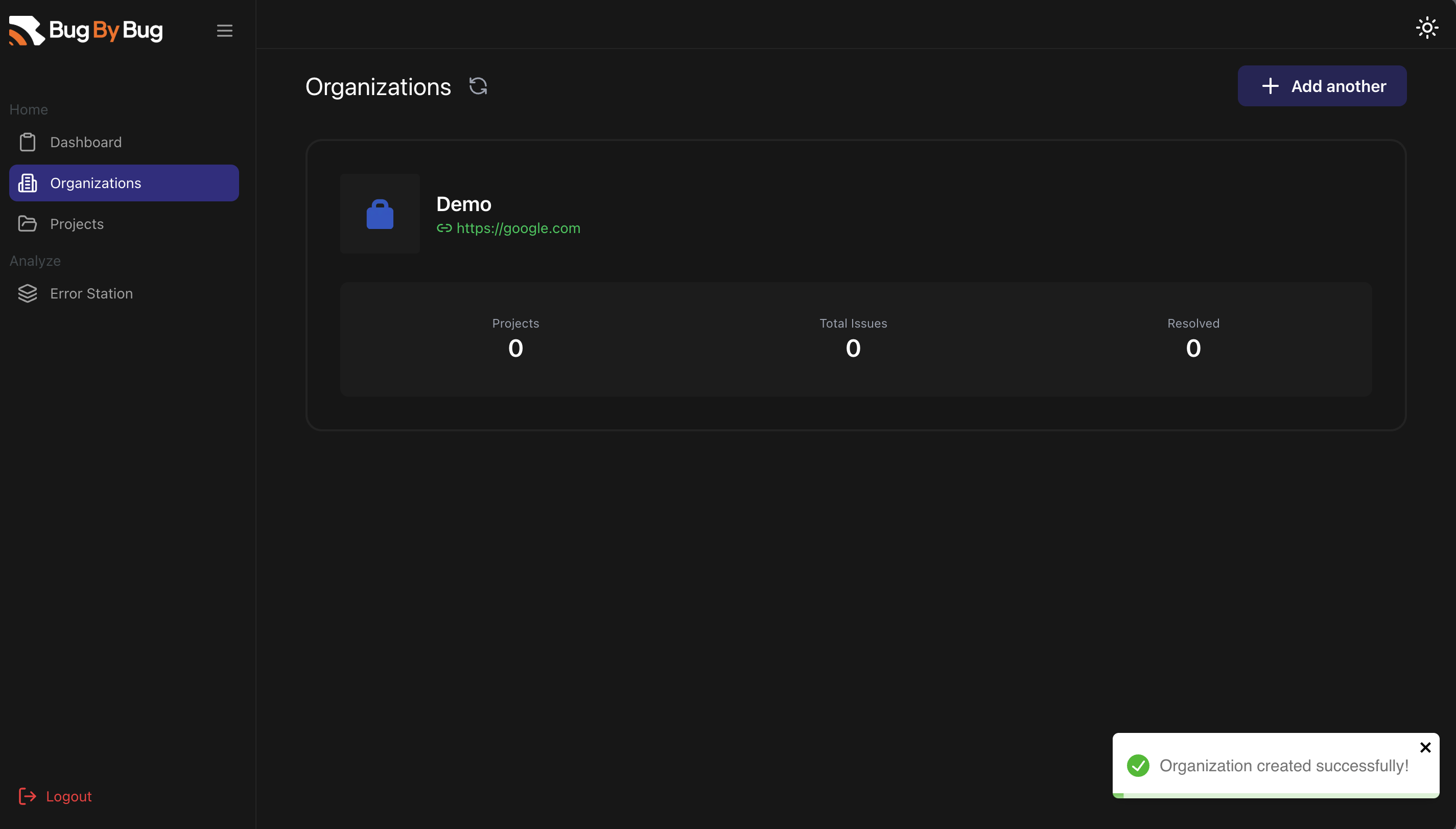
 Once that is done, you should see your newly created organization and the URL defined on your Organizations.
 ### Step 2: Add a Project to the Organization
Head over to the *Projects* section and click on *Add a Project*.
You would be asked to select an organization and to give the project a name.
### Step 2: Add a Project to the Organization
Head over to the *Projects* section and click on *Add a Project*.
You would be asked to select an organization and to give the project a name.
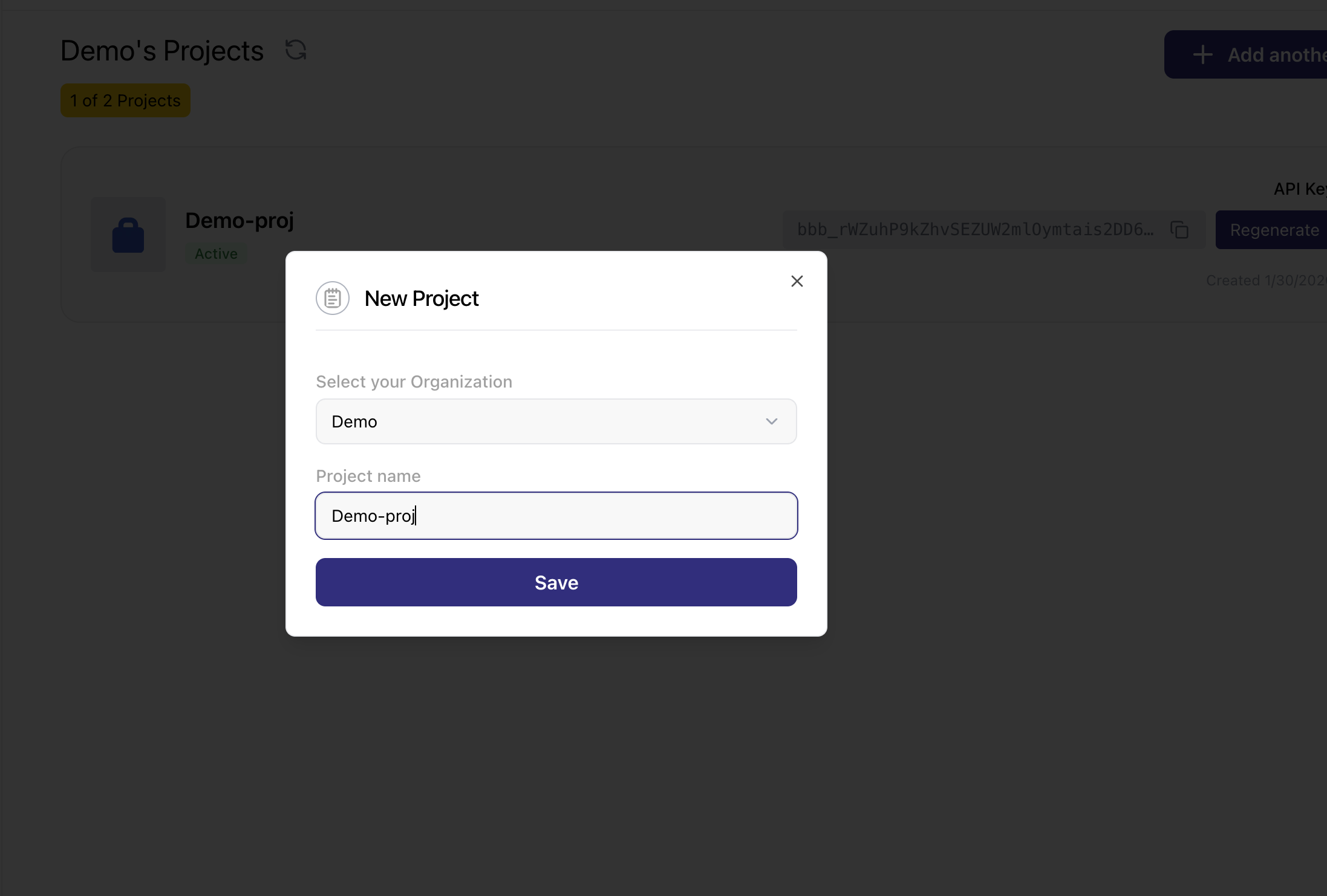
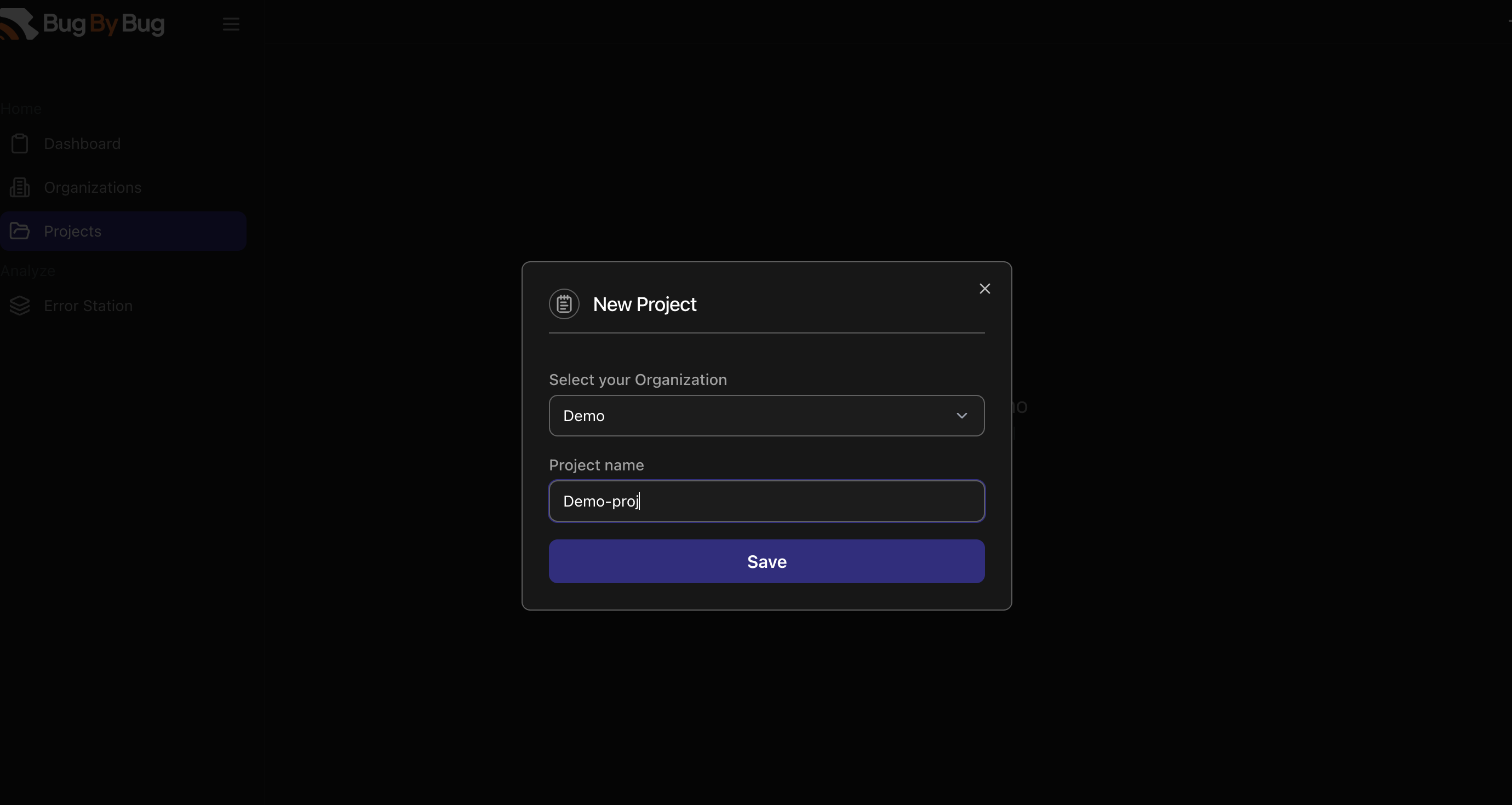 This project will be added under your organization, that's why the organization was created before adding a project.
And voila!🎉
You have created a project and you can see your API Key which will be used for interacting with the SDKs.
This project will be added under your organization, that's why the organization was created before adding a project.
And voila!🎉
You have created a project and you can see your API Key which will be used for interacting with the SDKs.
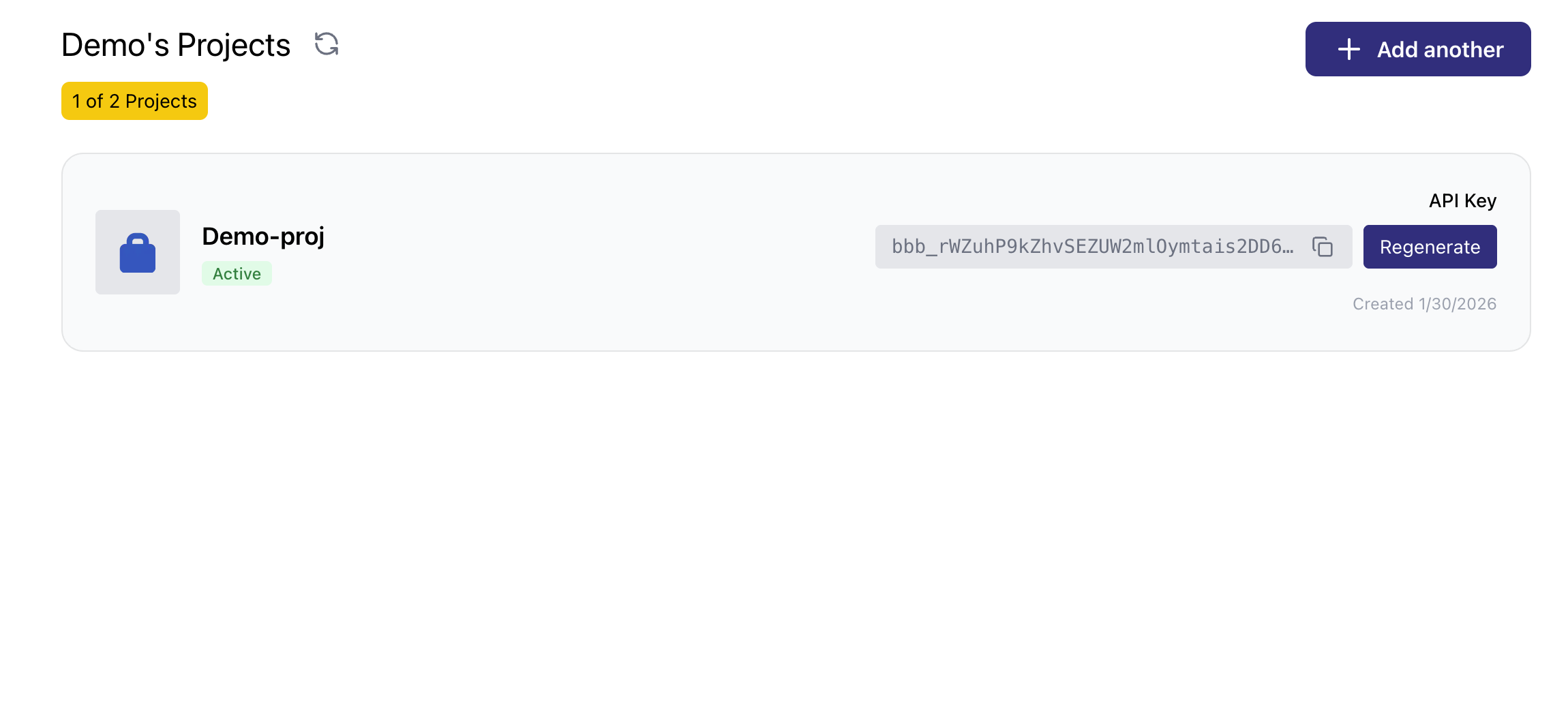
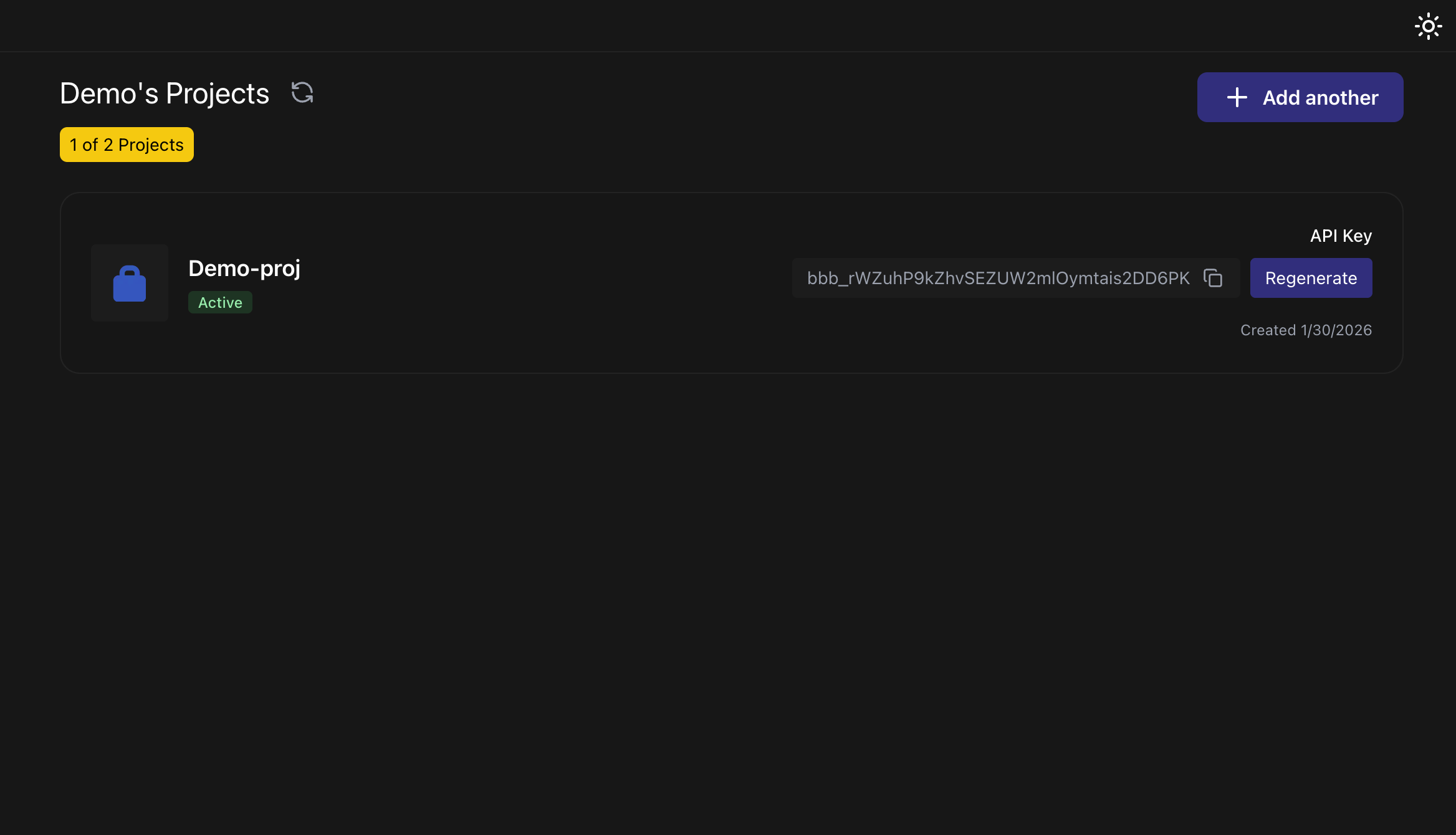 For now, users can only have one organization and two projects.
As we keep building, we hope to expand this to accomdate more projects and organizations per user.
For now, users can only have one organization and two projects.
As we keep building, we hope to expand this to accomdate more projects and organizations per user.