

Step 1: Create an Organization
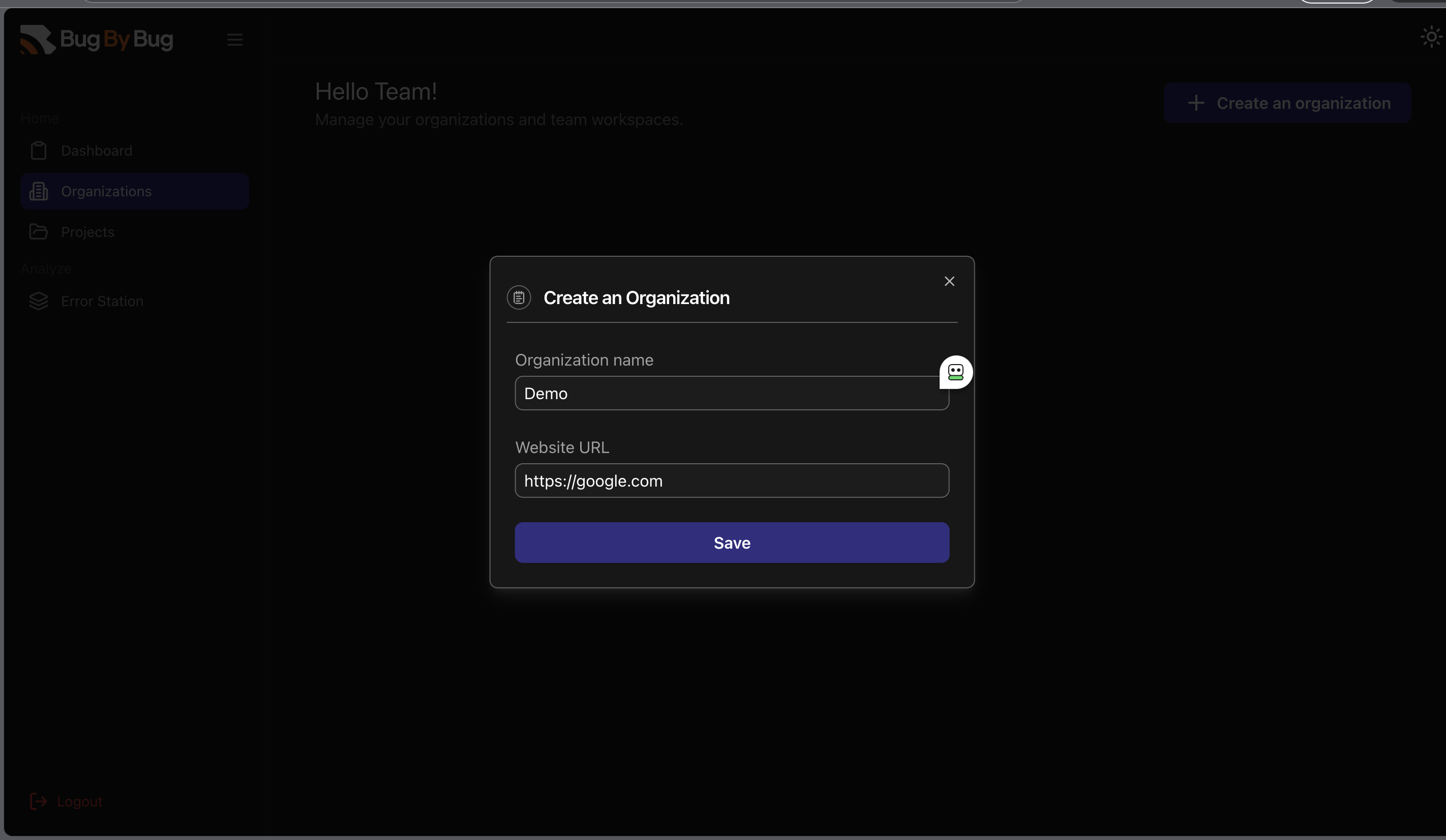
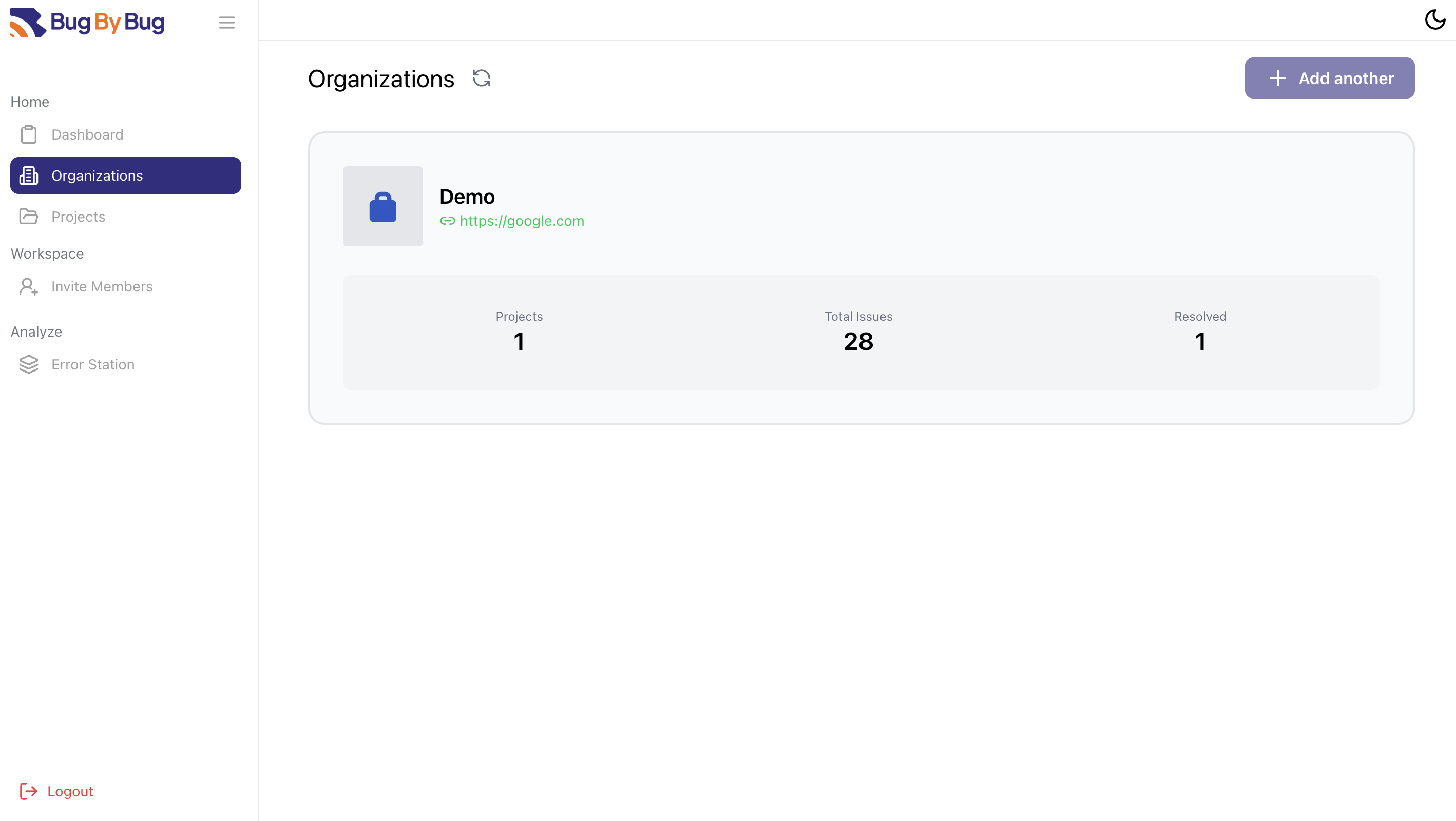
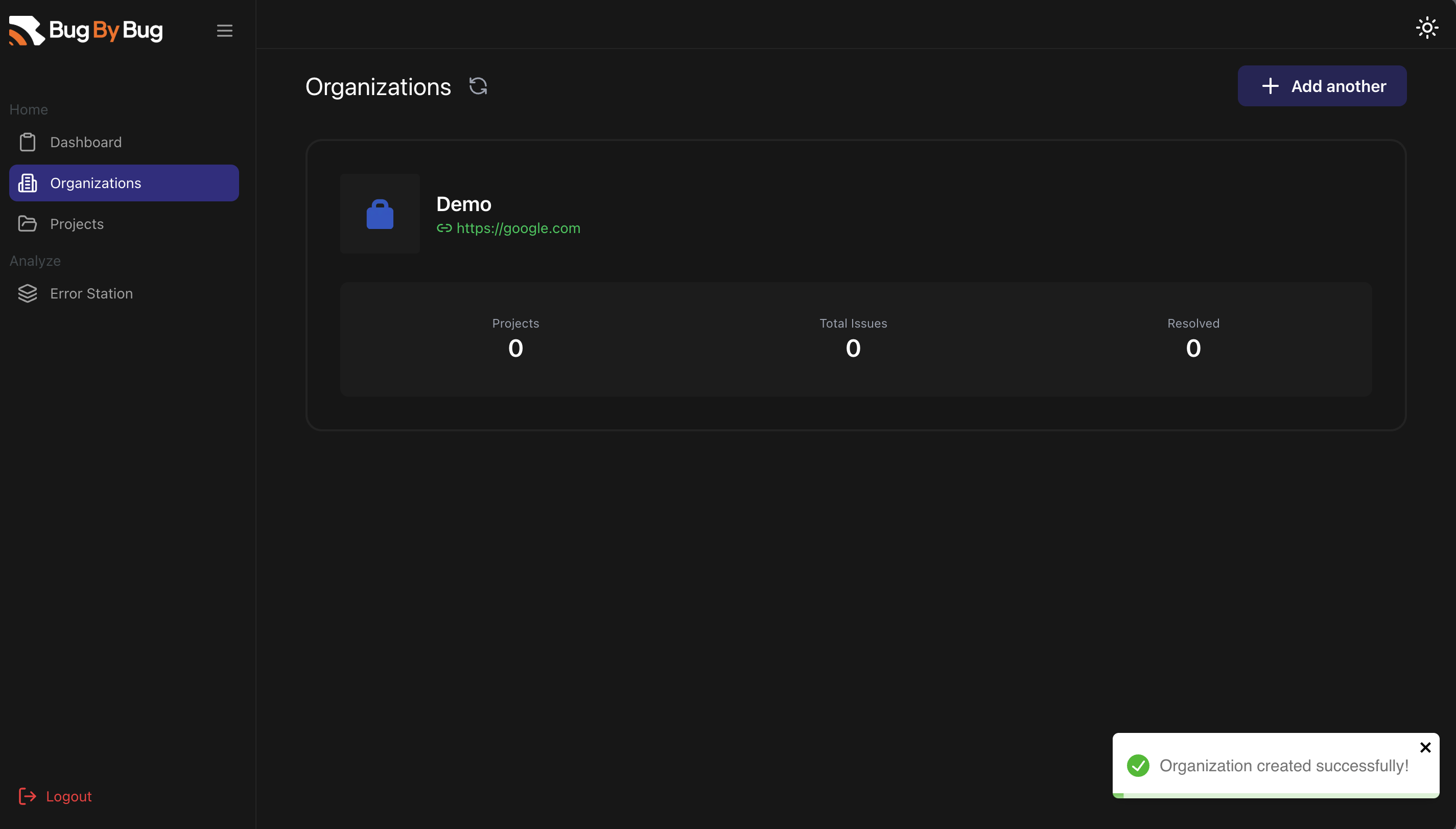
Click the Organizations on the sidebar and then select Create an organization. You should be prompted to add a name and website URL and then click Save to save your changes.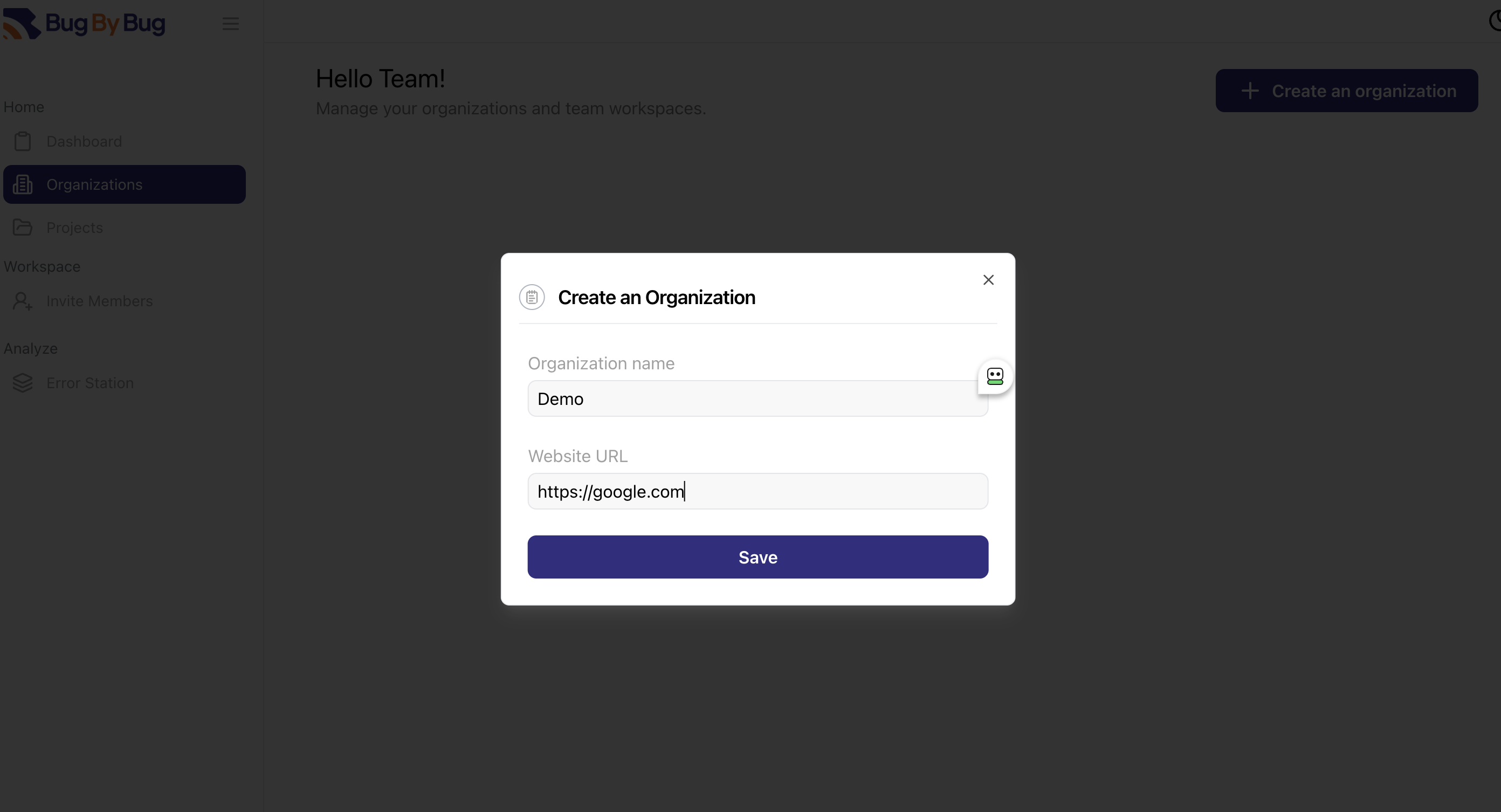
Step 2: Add a Project to the Organization
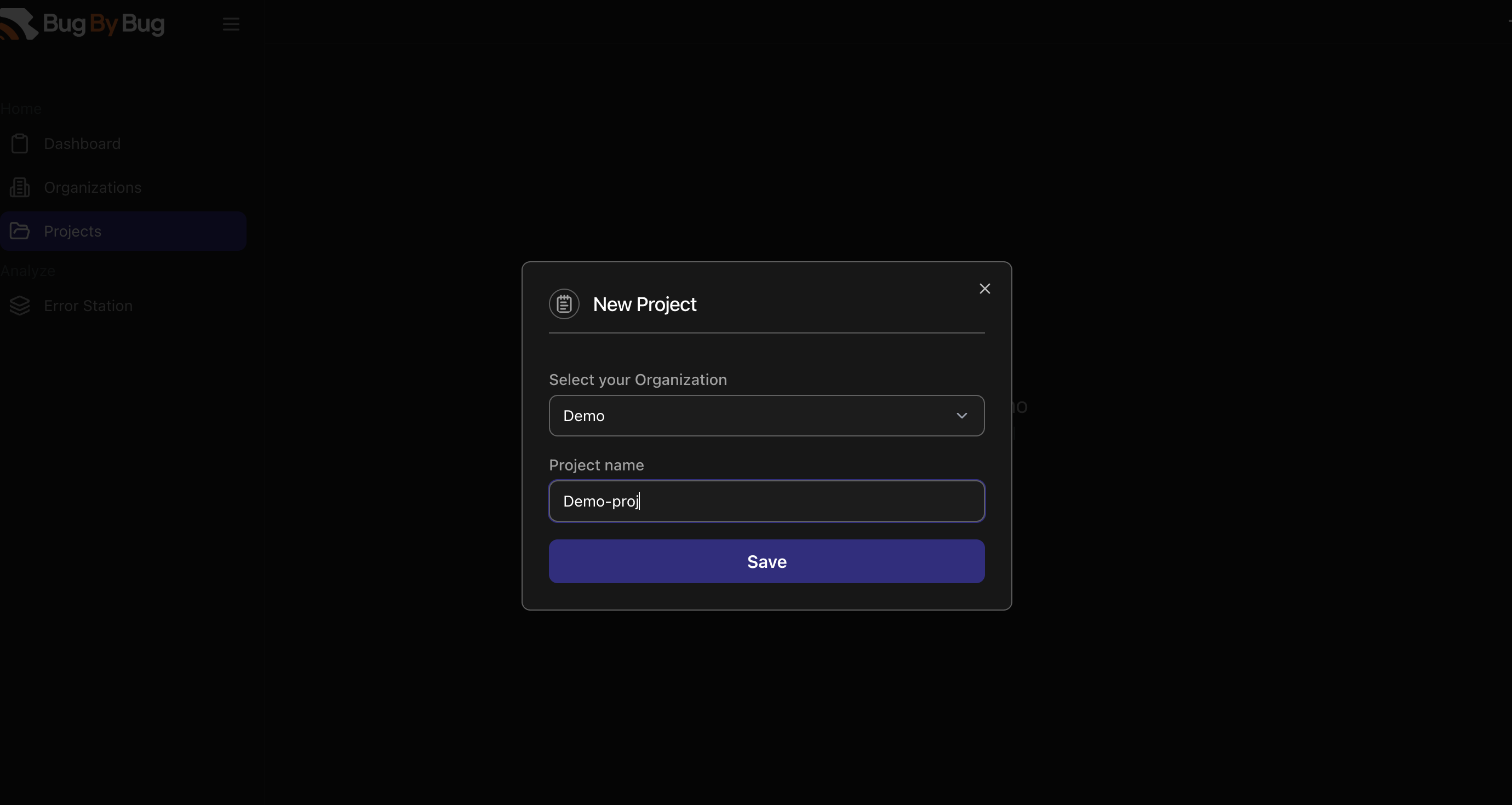
Head over to the Projects section and click on Add a Project. You would be asked to select an organization and to give the project a name.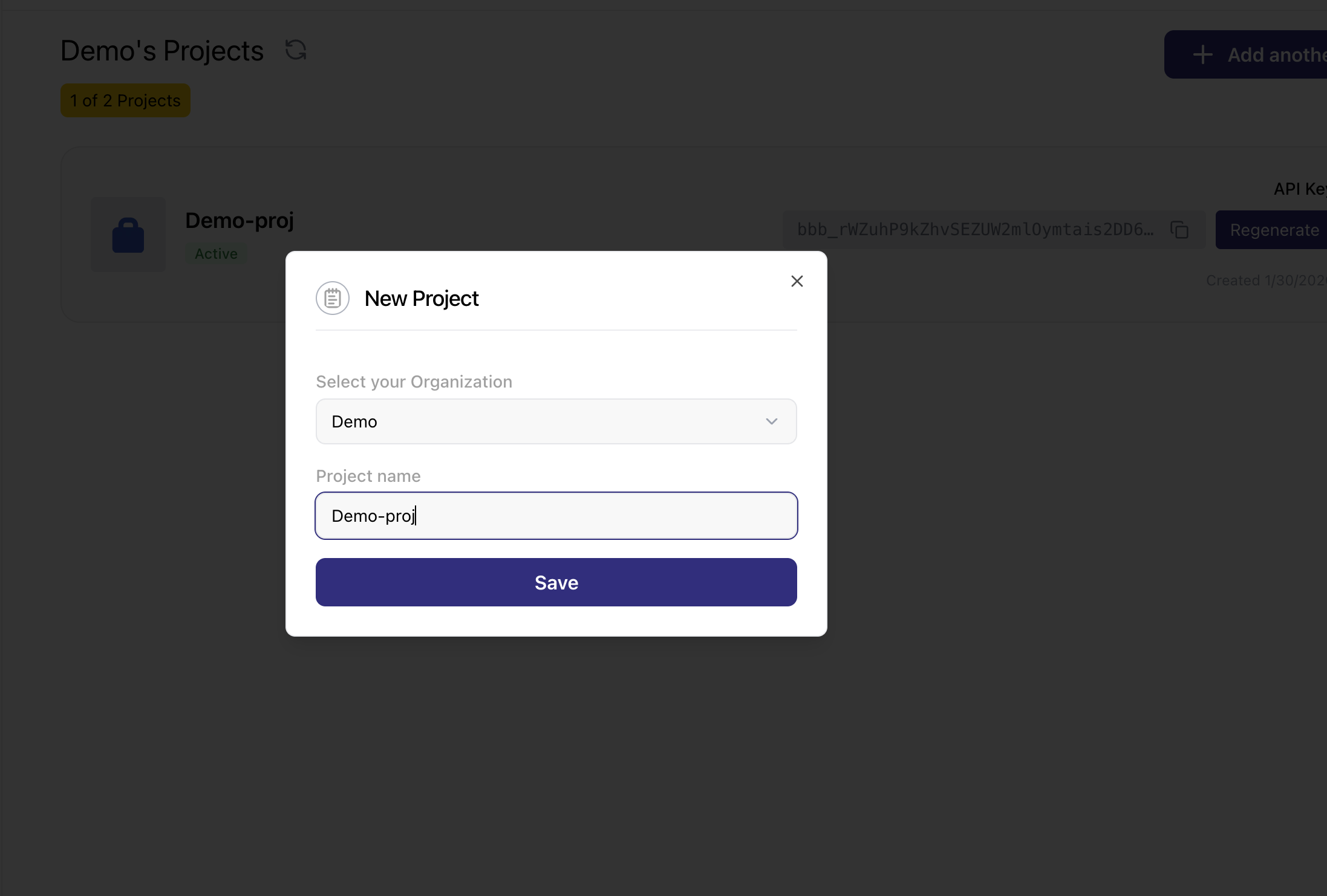
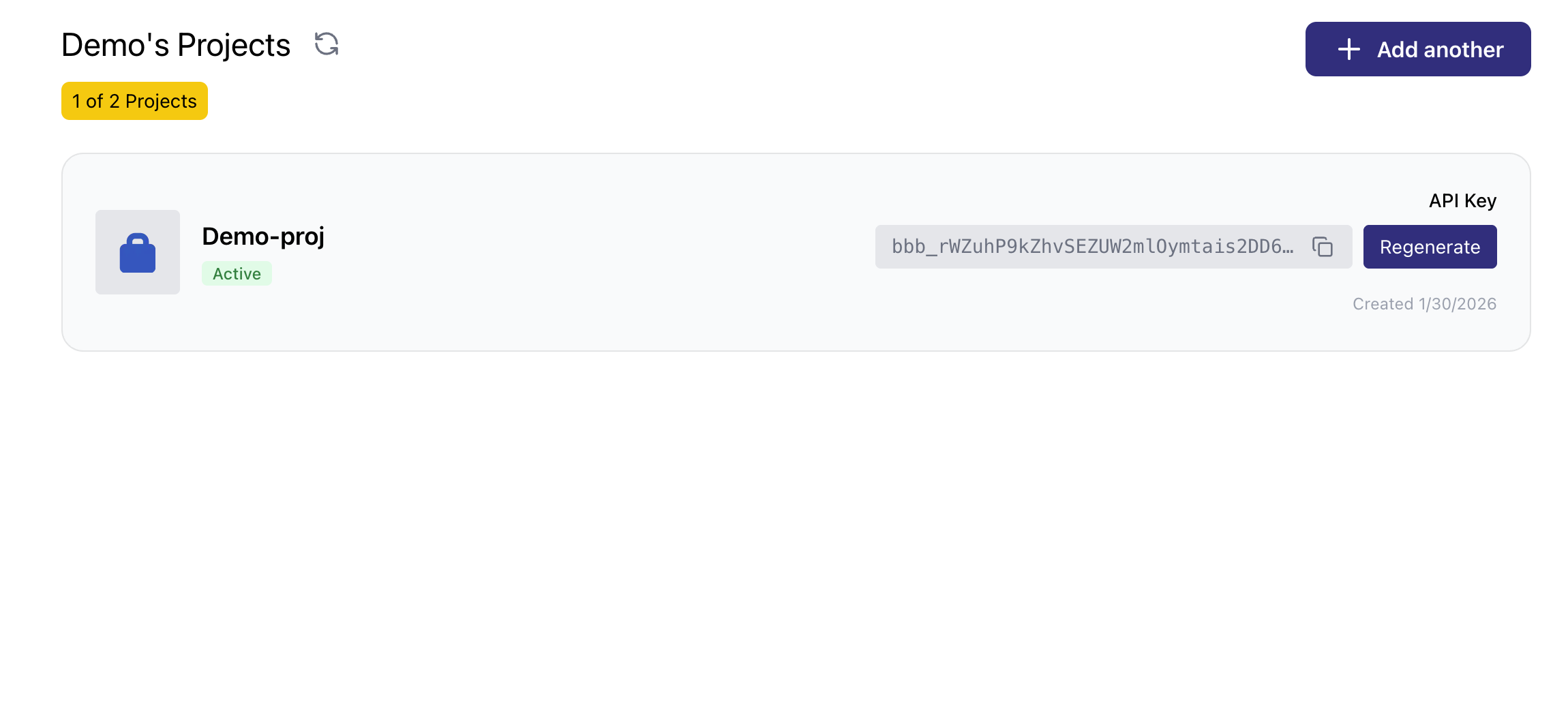

For now, users can only have one organization and two projects.
As we keep building, we hope to expand this to accomdate more projects and organizations per user.