

Get started in two steps
Get your dashboard up and running to monitor your bugs.Step 1: Create an account
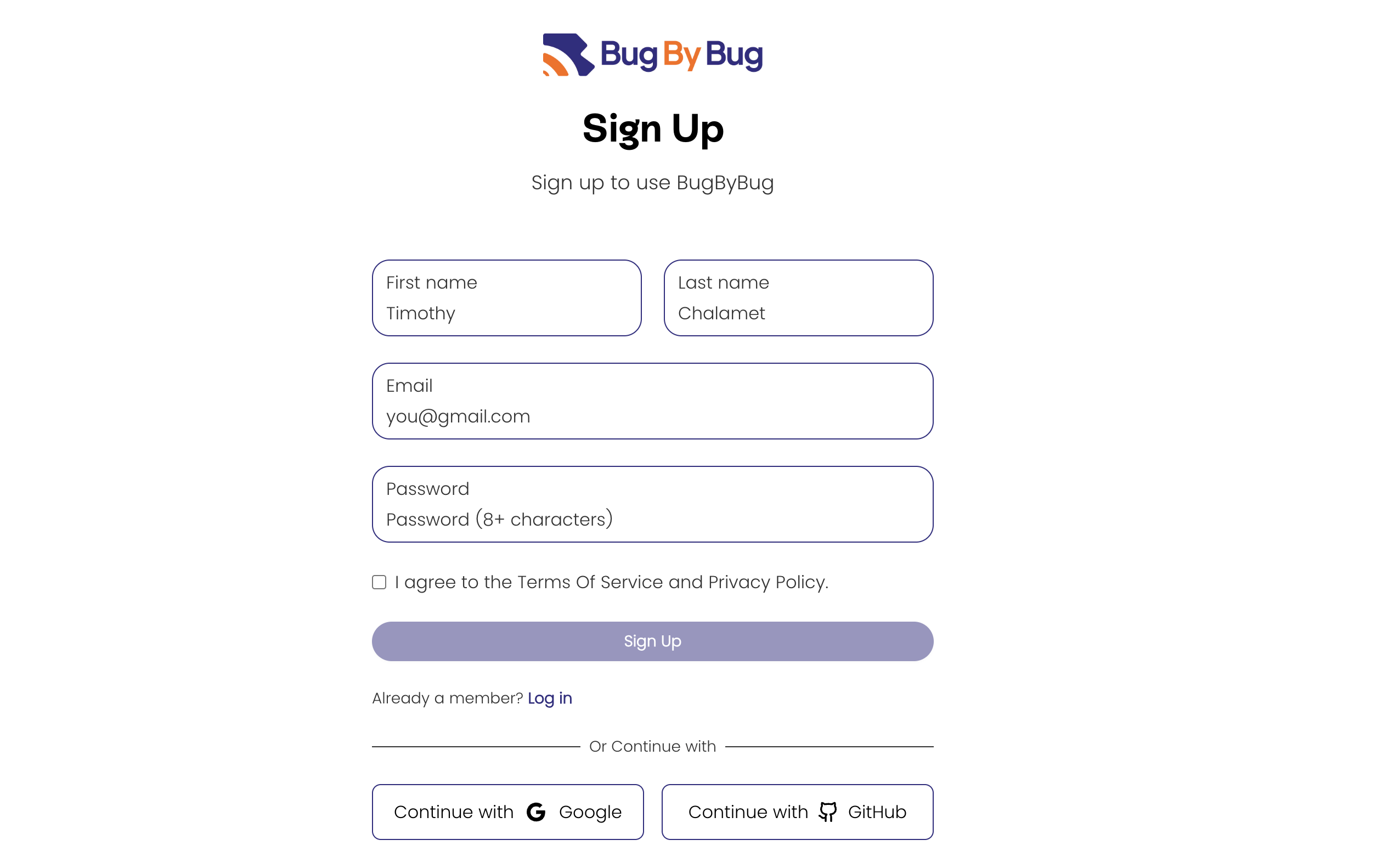
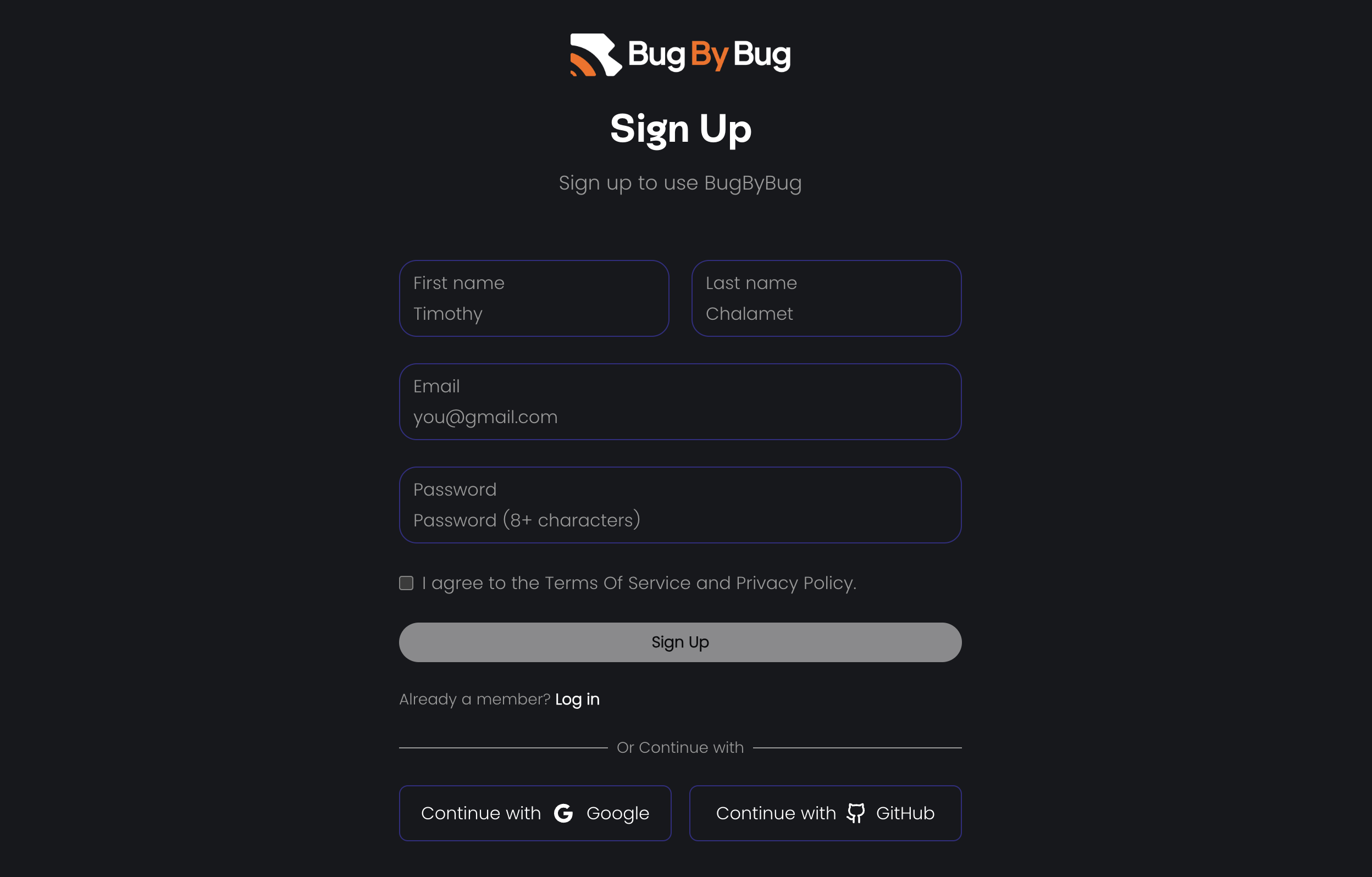
Head over to the BugByBug dashboard and create an account. You may choose to use the traditional route (first name, last name, email, and password) or use the OAuth route (Google or GitHub login) when signing up.Always check the box to agree to the terms and conditions when creating an account
Step 2: Verify your account
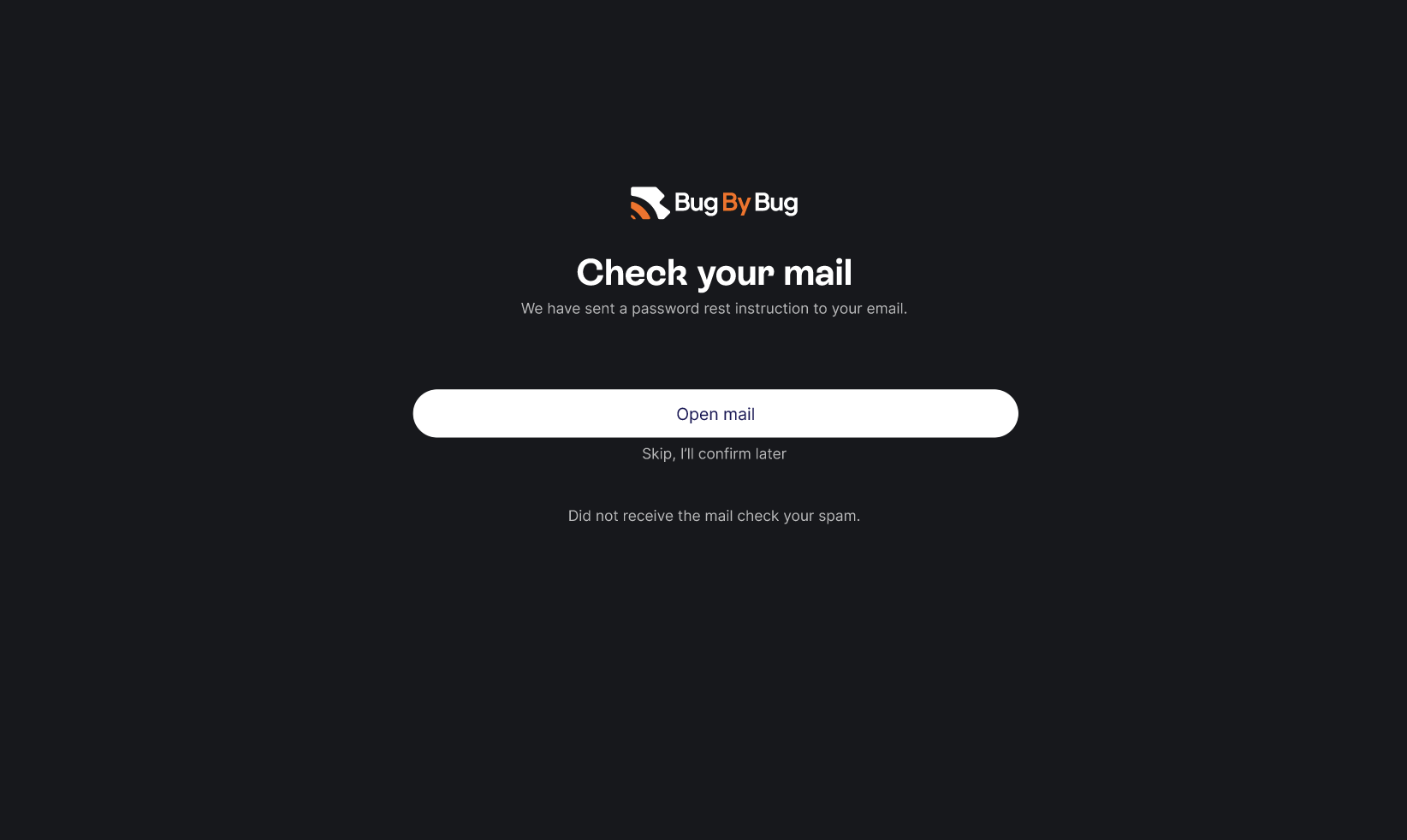
After signing up, you need to verify your email to start using the dashboard. The dashboard is where the logs of your monitored bugs, suggested errors, etc, live. The dashboard is where you can set up your projects, view bug timelines, manage errors, and organizations.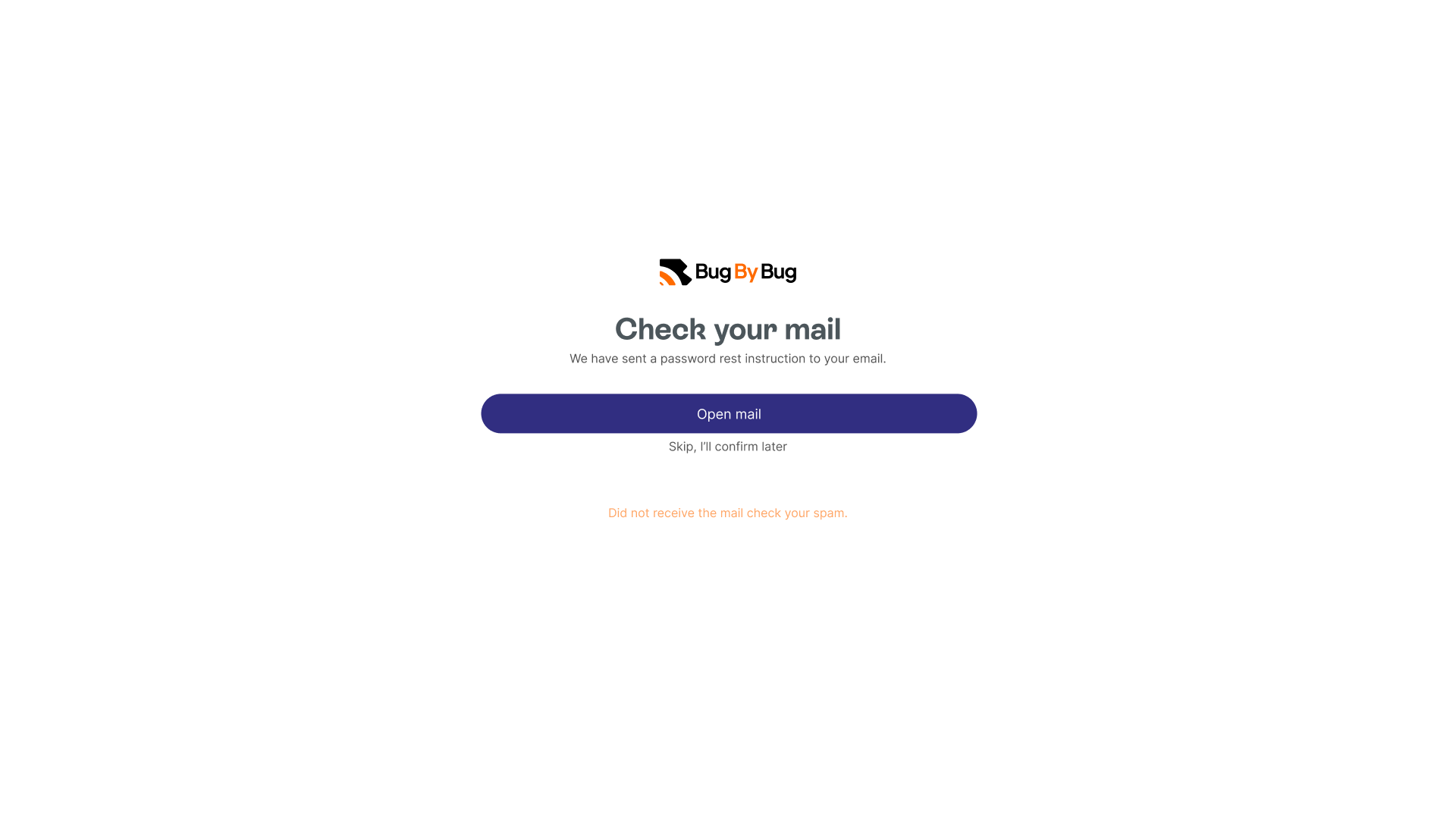
And, that is how you can set up your dashboard in 2 steps! 🎉
Before you use the SDKs you would need to set up an API key.
Check out how to set this up here.
Next steps
Now that you have your dashboard up and running, head over to BugByBug OpenTelemetry guide to set up and verify opentelemetry within your projects.BugByBug OpenTelemetry
Learn how to set up the OpenTelemetry in BugByBug
Verify BugByBug OpenTelemetry
Learn how to verify if your BugByBug dashboard is receiving traces from OTLP exporter.
Need help? Send an email to our Support email.